Create
Capture
Connected
macrw.my.id
- Python
- OpenAI Whisper (MLX / faster-whisper)
- FFmpeg
- OpenCV
One long video, a week of short clips.
Podcasts, livestreams, and webinars are full of moments that would work on TikTok, Reels, and Shorts. Finding them, cutting them, keeping the right face in frame, and typing the captions by hand takes hours for every episode.
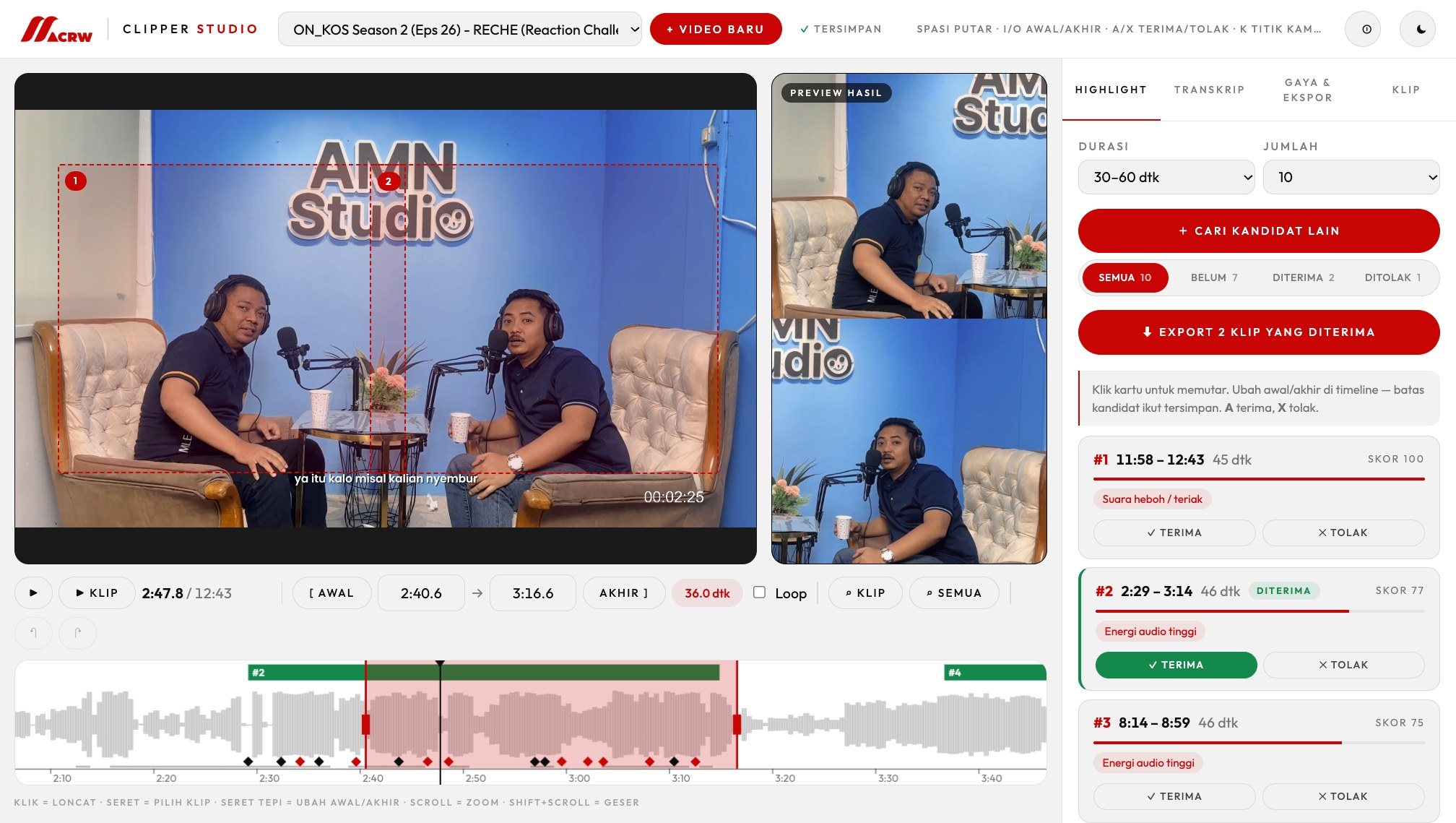
So I built Clipper Studio. It transcribes the video, suggests the strongest moments, follows whoever is talking, and burns in animated captions. You accept or reject each suggestion and export finished vertical clips, all on your own computer and without a watermark.
What the tool does, in 46 seconds (in Indonesian).
How It Works
The AI does the searching and the repetitive work. You keep the editorial calls: every suggestion can be trimmed, accepted, or rejected.
Transcribe
Whisper turns speech into text with a time stamp on every word, in Indonesian, Javanese, or English. Add the names of hosts and guests so they are spelled right, and fix a word everywhere at once with find and replace.
Find the moments
Every second is scored on sudden loudness, hype words such as wkwk, anjir, or gila, and how fast people talk. Accept or reject each candidate, trim its edges, or ask for more without getting the same ones twice.
Frame the speaker
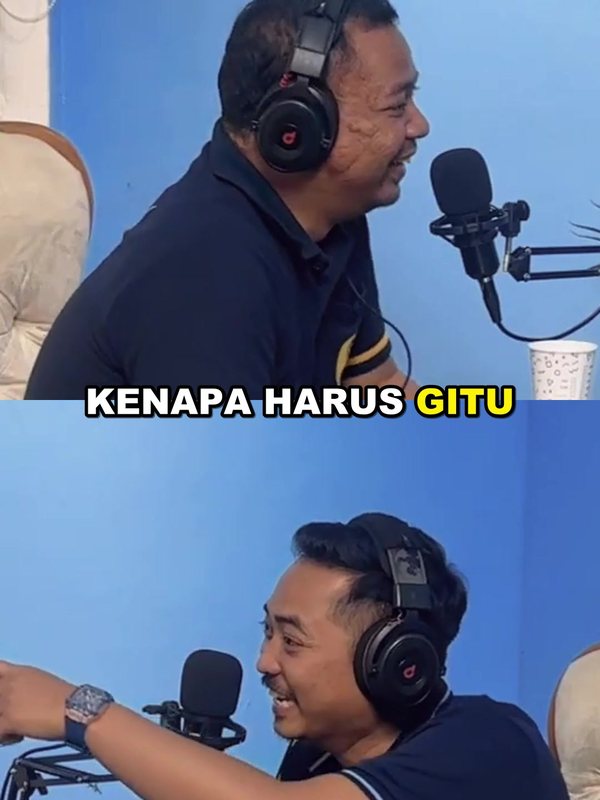
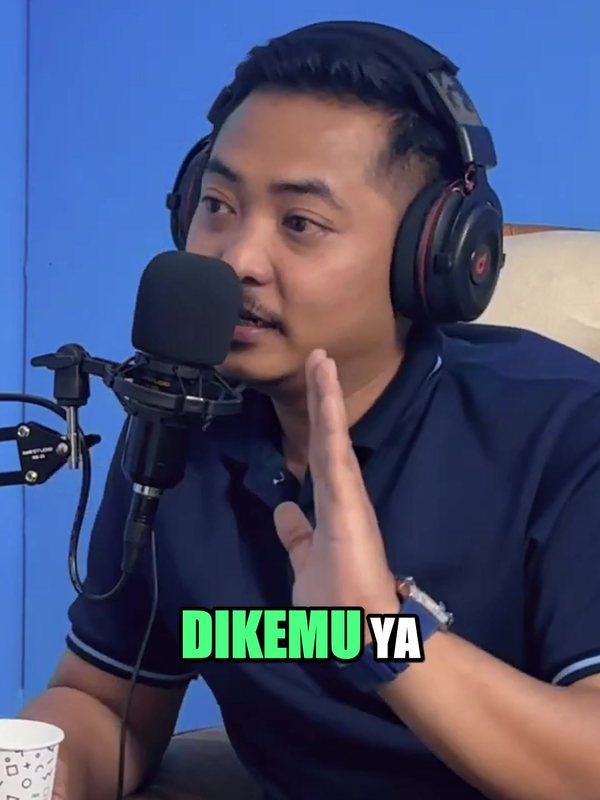
The tool finds every camera cut and every face, then reads whose mouth moves while there is a voice. One person gets a close crop; a back-and-forth gets both people on screen, stacked, so nobody is left out.
Style & export
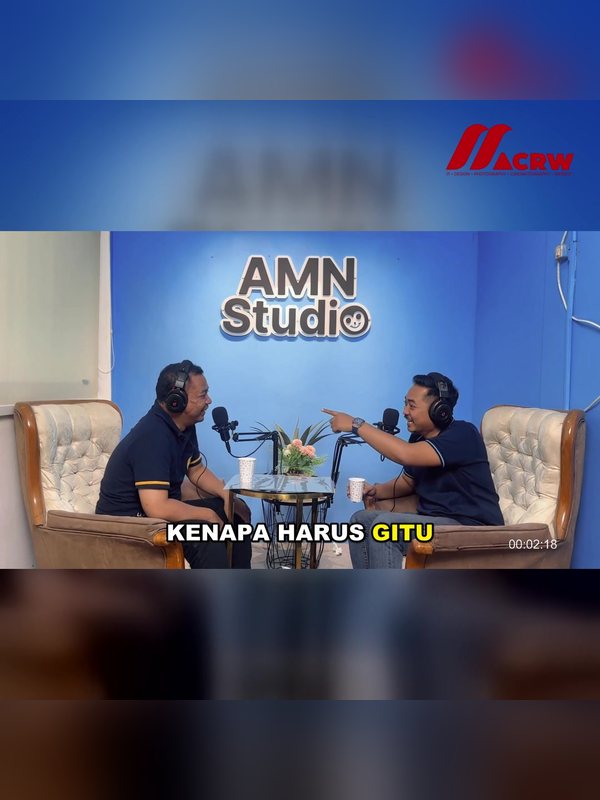
Animated captions (pop, bounce, fade, rise, word by word), your logo, a hook title, and 9:16, 1:1, 4:5, or 16:9 output. Clips render one by one in a queue, at the loudness TikTok and Reels expect.

±5 sec
to auto-frame a 45-second clip (MacBook Pro M1 Pro)
4
ratios: 9:16, 1:1, 4:5, and 16:9
0
watermarks, accounts, or uploads to a server
1 click
to start, no typing commands needed
Get the Tool
Free for creators and clippers. Unzip it and open it: the editor opens in your browser. The first start sets itself up automatically (internet needed, about 5–15 minutes), and the first transcript downloads the AI model (about 1.6 GB).
macOS
Mac with an Apple chip (M1 or newer), macOS 13.5 or later. Transcribes on the Apple GPU
- Open MACRW Clipper.app
- ZIP, 0.6 MB
Windows
Windows 10 or 11 (64-bit), 8 GB RAM. NVIDIA graphics are used automatically. Beta
- Open Mulai Clipper.bat
- ZIP, 0.6 MB
Linux
64-bit Linux with Python 3.10 or later, for example Ubuntu 22.04. Beta
- Run mulai-clipper.sh
- ZIP, 0.6 MB
Free forever. No watermark, no trial.
No license key and no countdown. If it saves you hours of clipping, you can support it, or let me clip your next episode for you.
Top supporters
The five biggest supporters on Saweria, updated automatically. Thank you!
Latest:
No supporters yet. Be the first one
Let's turn it into something meaningful.